Create an account on the Sandbox
- Visit https://sandbox.digitalearth.africa/ .
- Click Sign up.
- Fill in the Email, Name and Password fields.
Passwords must be at least 8 characters, and contain at minimum a lower
case letter, an upper case letter and a number. Record your username
securely as it will be required to reset your password should you forget
it.
- Click Sign up.
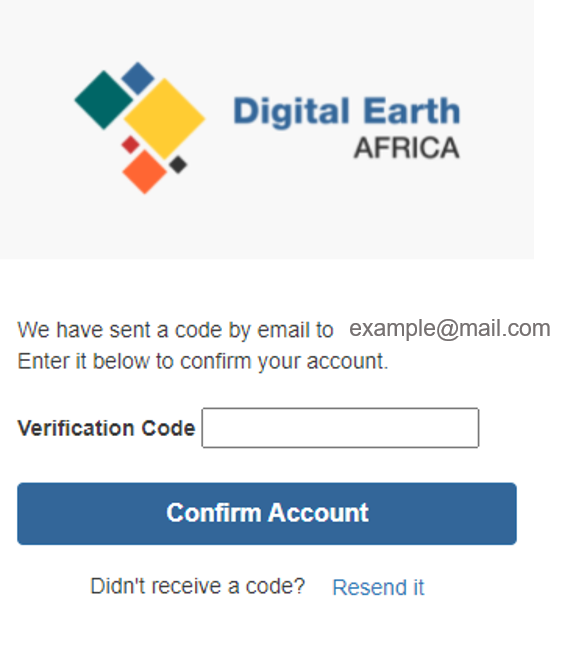
- A verification code will have been sent to your nominated email address. Enter the verification code and click Confirm Account. This will automatically log you in.
Note
If you have not received the verification code email, please check your spam or junk mail folders.
- You will be prompted to select a sever from Server Options. For regular users, only the default environment is available. Select Default environment and click Start.
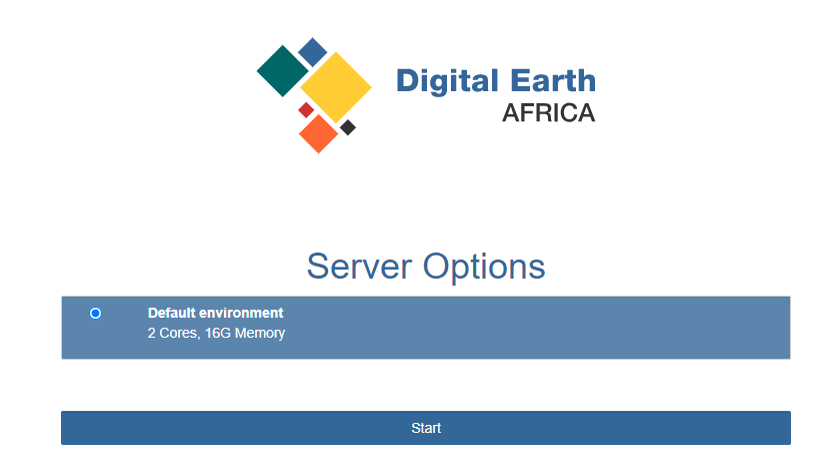
The server will start up; this can take a few minutes. You will automatically be redirected to the Sandbox environment.
The Sandbox runs completely in-browser and all necessary software is provided. No additional installation or configuration is required.